コンピュータビジョンアプリケーションをデバッグする最も一般的な方法は何だろうか。たいていの答えは、その場しのぎで寄せ集めた一時的なカスタムコードであり、リリース用にコンパイルする際にはコードから取り除かなければならない。
(後述のCMakeLists.txtを参照)ビジュアルデバッグなしでプログラムをコンパイルした場合、唯一の結果はコマンドラインに出力される情報のみである。わずか数行の cvv コマンドを加えるだけで、どれだけ多くのデバッグ機能や開発機能が追加されるかを示したい。
9#define CVVISUAL_DEBUGMODE
19template<
class T> std::string toString(
const T& p_arg)
32main(
int argc,
char** argv)
36 "{ help h usage ? | | show this message }"
37 "{ width W | 0| camera resolution width. leave at 0 to use defaults }"
38 "{ height H | 0| camera resolution height. leave at 0 to use defaults }";
41 if (parser.has(
"help")) {
42 parser.printMessage();
45 int res_w = parser.get<
int>(
"width");
46 int res_h = parser.get<
int>(
"height");
50 if (!capture.isOpened()) {
51 std::cout <<
"Could not open VideoCapture" << std::endl;
55 if (res_w>0 && res_h>0) {
56 printf(
"Setting resolution to %dx%d\n", res_w, res_h);
63 std::vector<cv::KeyPoint> prevKeypoints;
66 int maxFeatureCount = 500;
67 Ptr<ORB> detector = ORB::create(maxFeatureCount);
71 for (
int imgId = 0; imgId < 10; imgId++) {
75 printf(
"%d: image captured\n", imgId);
77 std::string imgIdString{
"imgRead"};
78 imgIdString += toString(imgId);
87 std::vector<cv::KeyPoint> keypoints;
89 detector->detectAndCompute(imgGray,
cv::noArray(), keypoints, descriptors);
90 printf(
"%d: detected %zd keypoints\n", imgId, keypoints.size());
93 if (!prevImgGray.
empty()) {
94 std::vector<cv::DMatch> matches;
95 matcher.match(prevDescriptors, descriptors, matches);
96 printf(
"%d: all matches size=%zd\n", imgId, matches.size());
97 std::string allMatchIdString{
"all matches "};
98 allMatchIdString += toString(imgId-1) +
"<->" + toString(imgId);
102 double bestRatio = 0.8;
103 std::sort(matches.begin(), matches.end());
104 matches.resize(
int(bestRatio * matches.size()));
105 printf(
"%d: best matches size=%zd\n", imgId, matches.size());
106 std::string bestMatchIdString{
"best " + toString(bestRatio) +
" matches "};
107 bestMatchIdString += toString(imgId-1) +
"<->" + toString(imgId);
111 prevImgGray = imgGray;
112 prevKeypoints = keypoints;
113 prevDescriptors = descriptors;
Brute-force descriptor matcher.
Definition features2d.hpp:1256
Designed for command line parsing.
Definition utility.hpp:890
n-dimensional dense array class
Definition mat.hpp:840
bool empty() const
Returns true if the array has no elements.
Class for video capturing from video files, image sequences or cameras.
Definition videoio.hpp:786
@ NORM_HAMMING
Definition base.hpp:199
std::shared_ptr< _Tp > Ptr
Definition cvstd_wrapper.hpp:23
InputOutputArray noArray()
Returns an empty InputArray or OutputArray.
void finalShow()
Passes the control to the debug-window for a last time.
Definition final_show.hpp:23
static void debugDMatch(cv::InputArray img1, std::vector< cv::KeyPoint > keypoints1, cv::InputArray img2, std::vector< cv::KeyPoint > keypoints2, std::vector< cv::DMatch > matches, const impl::CallMetaData &data, const char *description=nullptr, const char *view=nullptr, bool useTrainDescriptor=true)
Add a filled in DMatch <dmatch> to debug GUI.
Definition dmatch.hpp:49
static void showImage(cv::InputArray img, impl::CallMetaData metaData=impl::CallMetaData(), const char *description=nullptr, const char *view=nullptr)
Add a single image to debug GUI (similar to imshow <>).
Definition show_image.hpp:38
static void debugFilter(cv::InputArray original, cv::InputArray result, impl::CallMetaData metaData=impl::CallMetaData(), const char *description=nullptr, const char *view=nullptr)
Use the debug-framework to compare two images (from which the second is intended to be the result of ...
Definition filter.hpp:36
void cvtColor(InputArray src, OutputArray dst, int code, int dstCn=0, AlgorithmHint hint=cv::ALGO_HINT_DEFAULT)
Converts an image from one color space to another.
@ CAP_PROP_FRAME_WIDTH
Width of the frames in the video stream.
Definition videoio.hpp:145
@ CAP_PROP_FRAME_HEIGHT
Height of the frames in the video stream.
Definition videoio.hpp:146
int main(int argc, char *argv[])
Definition highgui_qt.cpp:3
cmake_minimum_required(VERSION 2.8)
project(cvvisual_test)
SET(CMAKE_PREFIX_PATH ~/software/opencv/install)
SET(CMAKE_CXX_COMPILER "g++-4.8")
SET(CMAKE_CXX_FLAGS "-std=c++11 -O2 -pthread -Wall -Werror")
# (un)set: cmake -DCVV_DEBUG_MODE=OFF ..
OPTION(CVV_DEBUG_MODE "cvvisual-debug-mode" ON)
if(CVV_DEBUG_MODE MATCHES ON)
set(CMAKE_CXX_FLAGS "${CMAKE_CXX_FLAGS} -DCVVISUAL_DEBUGMODE")
endif()
FIND_PACKAGE(OpenCV REQUIRED)
include_directories(${OpenCV_INCLUDE_DIRS})
add_executable(cvvt main.cpp)
target_link_libraries(cvvt
opencv_core opencv_videoio opencv_imgproc opencv_features2d
opencv_cvv
)
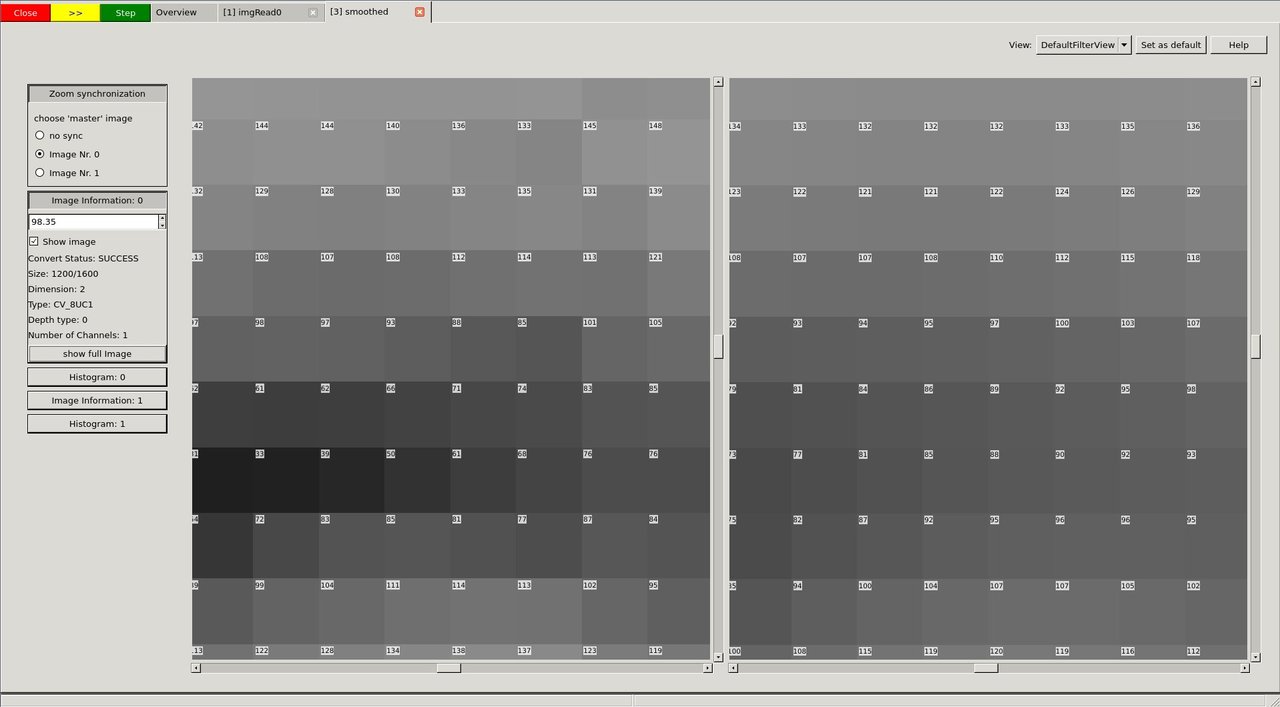
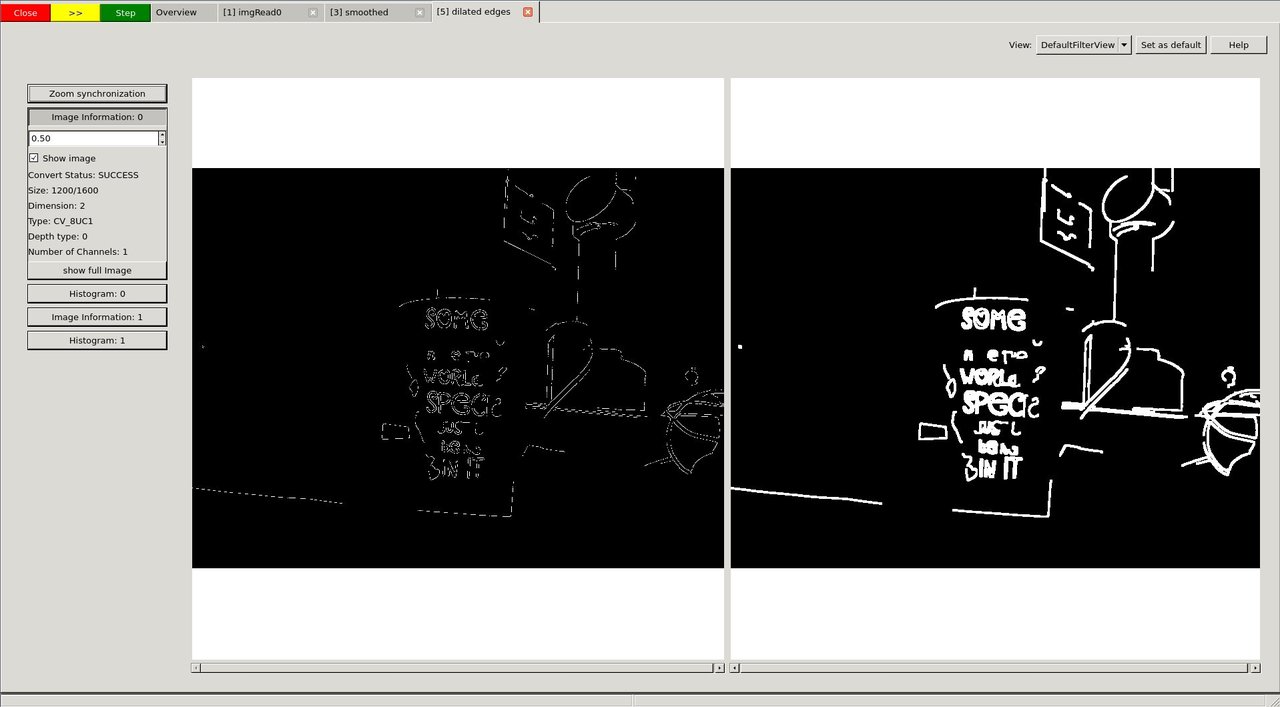
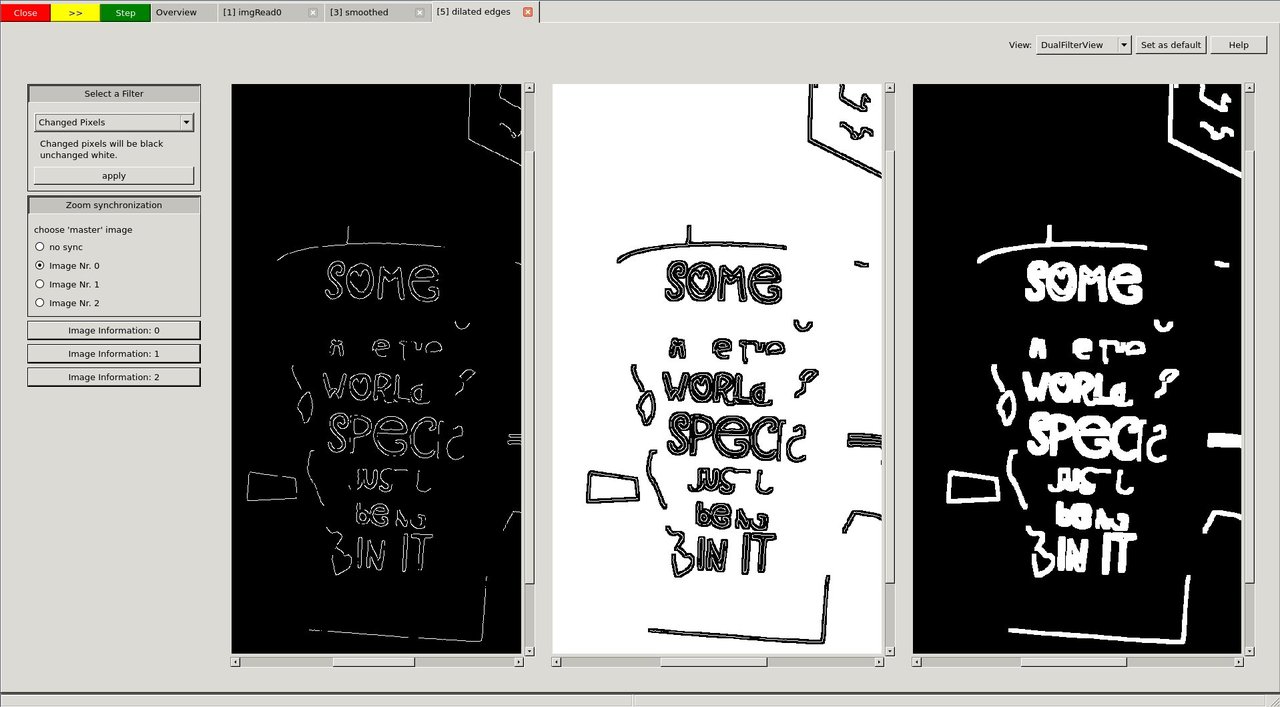
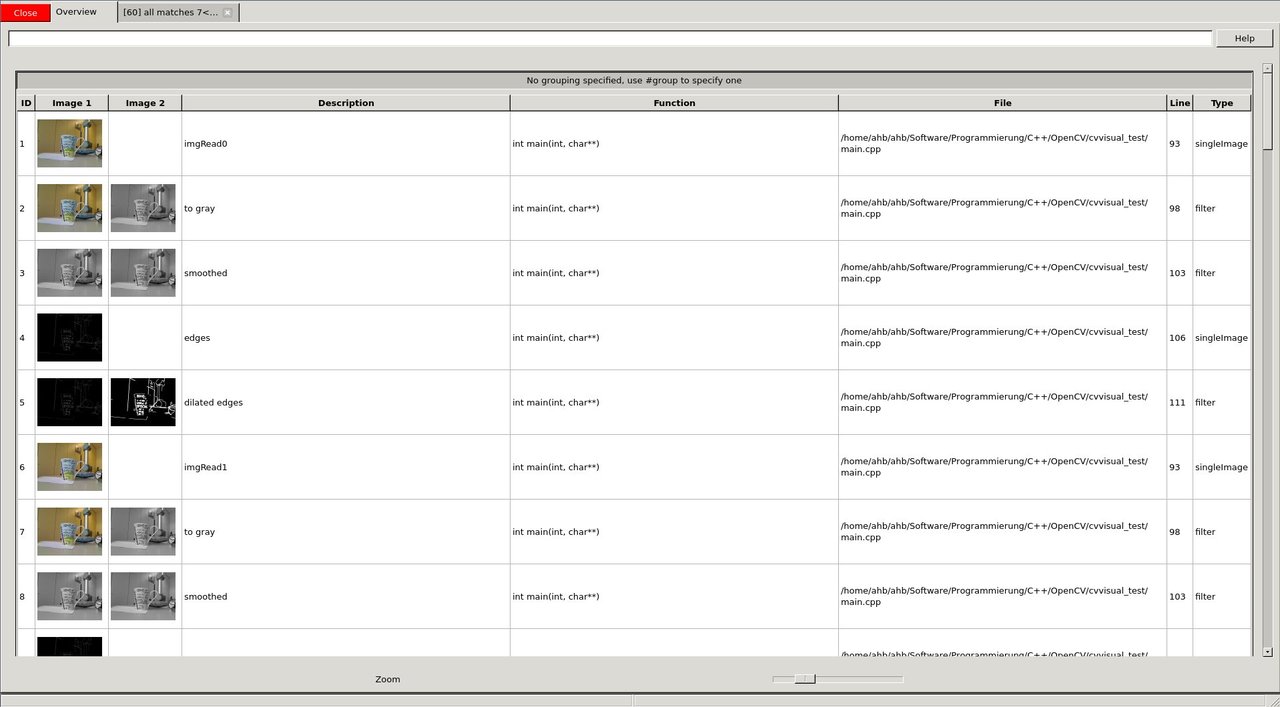
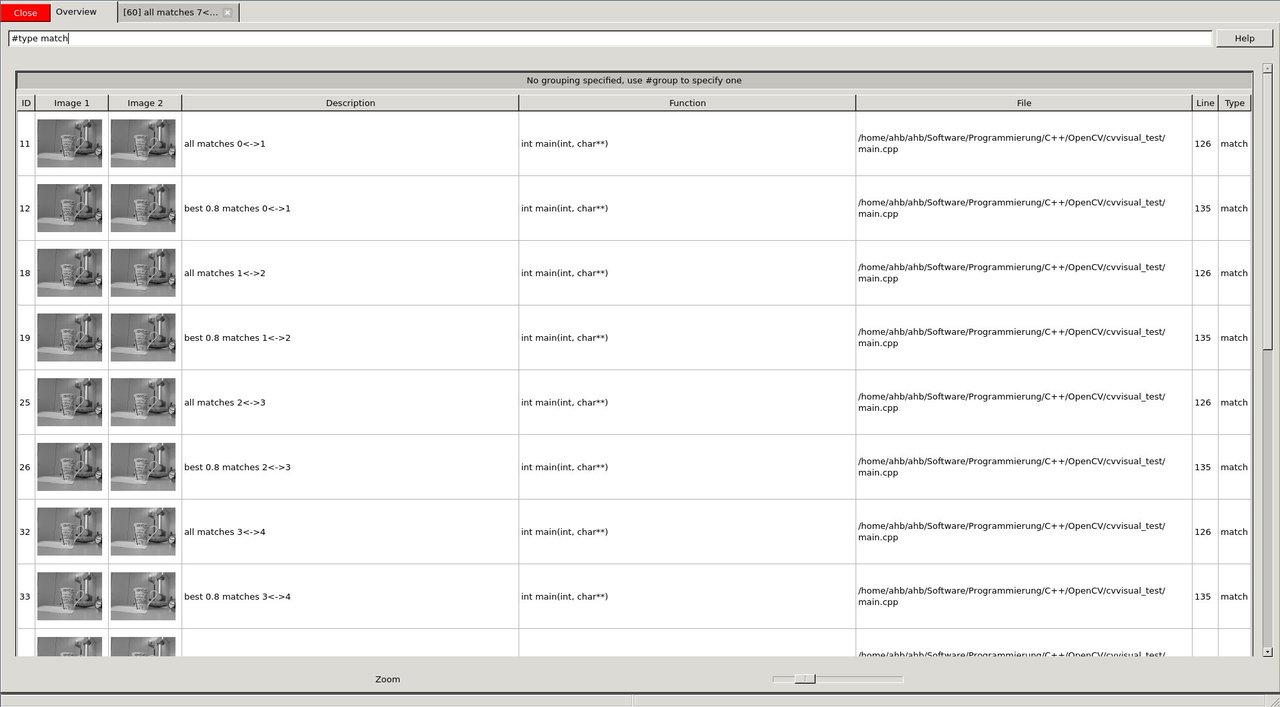
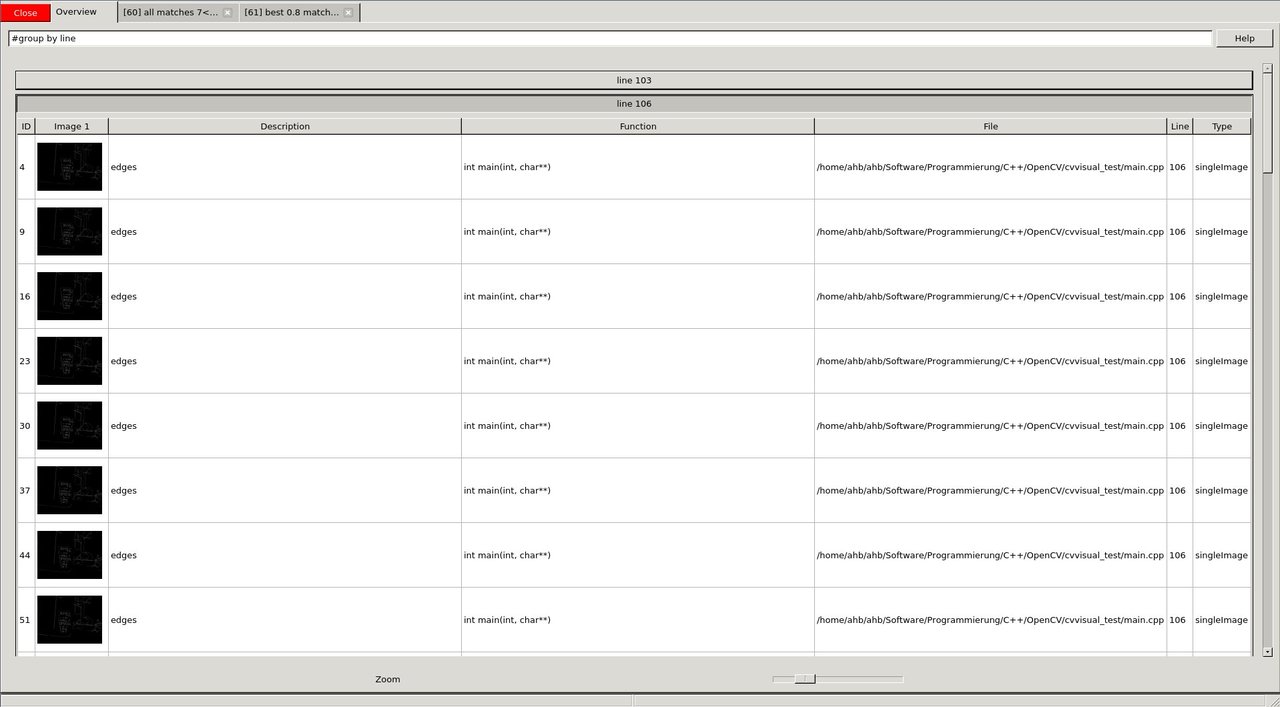
これらの画像をじっくり見たあと、おそらく異なるビューやフィルタ、その他のGUI機能を使った後で、プログラムを最後まで実行させることにする。そのため、黄色の *>>* ボタンを押す。
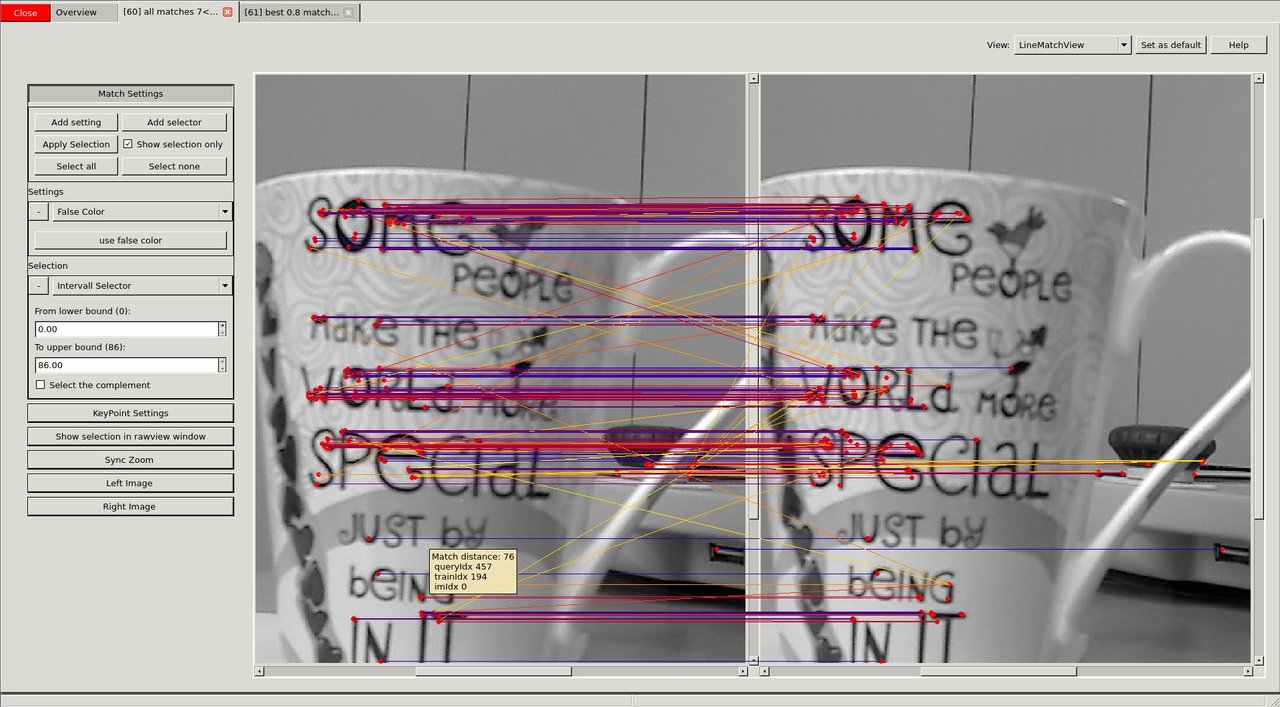
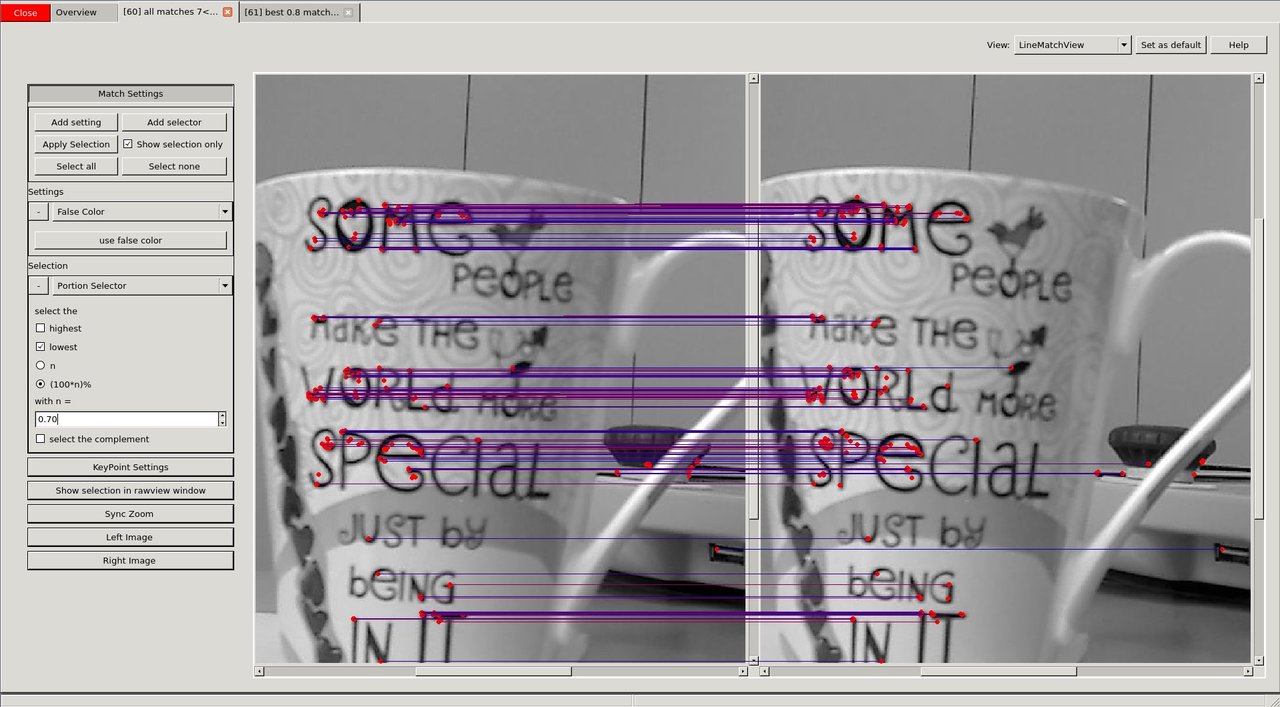
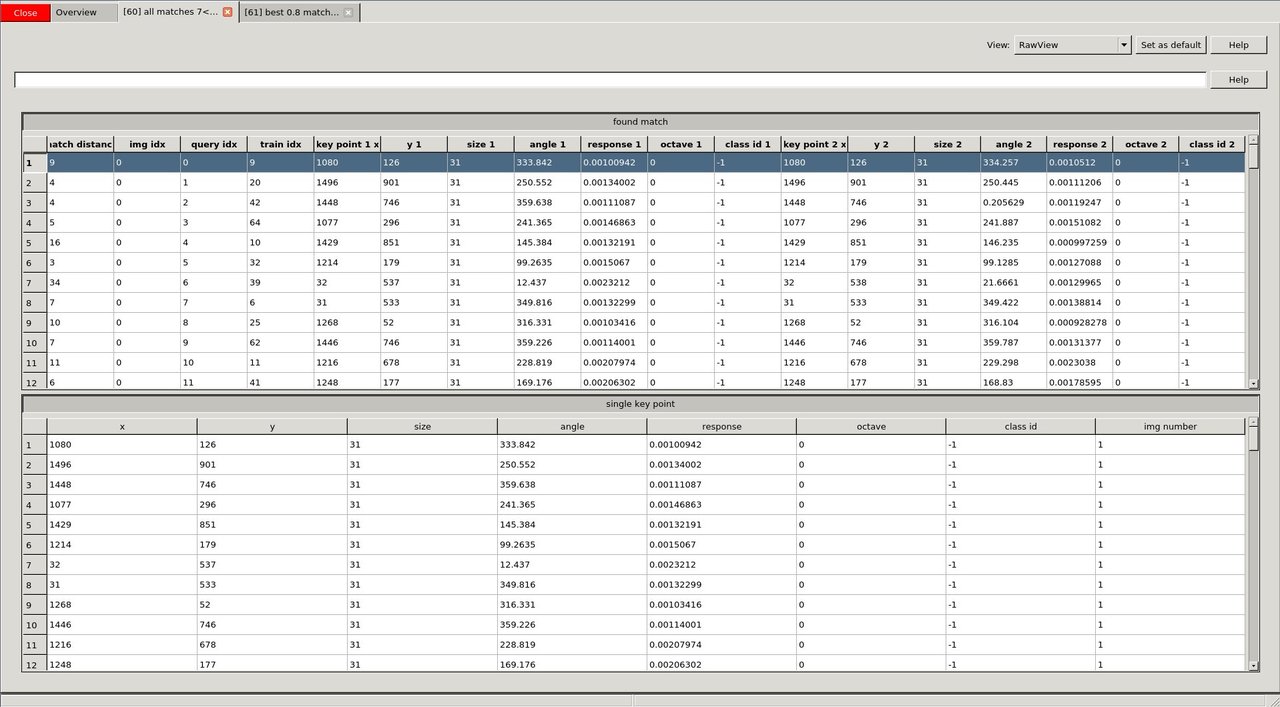
そのうちの1つを詳しく見たい。たとえば、マッチングを使う引数を調整するためである。このビューには、キーポイントとマッチをどう表示するかについてさまざまな設定がある。さらに、マウスオーバーのツールチップもある。
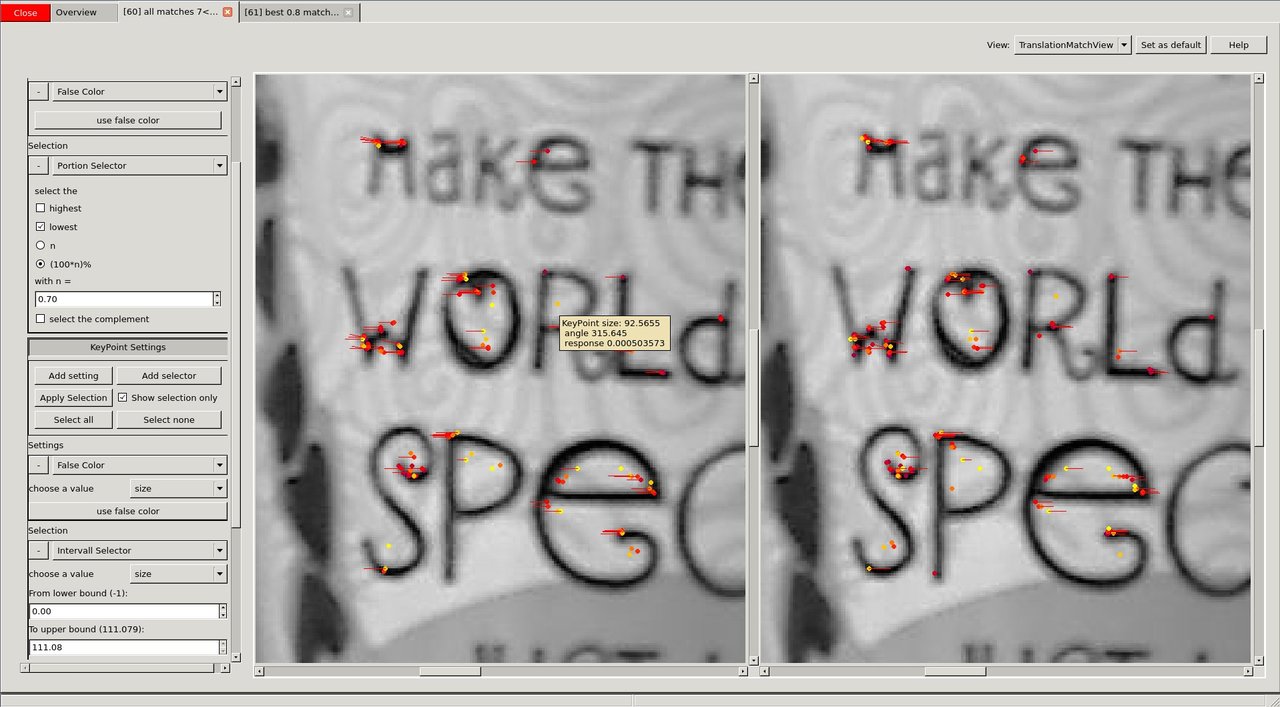
視覚的な煩雑さをうまく減らせたので、2つの画像間で何が変わったのかをより明確に見たい。キーポイントがどこにマッチしたのかを別の方法で示す「TranslationMatchView」を選択する。

 1.12.0